
abatec · Fibre optic technology
Fibre optic splice boxes and assemblies
19-inch splice boxes and patch panels for fibre termination and distribution. Select by fibre type, connectors, polish, port and fibre count, and assembly configuration.
OS2
Singlemode · 9/125 µm. Match connectors and polish to the infrastructure.
OM3
Multimode · 50/125 µm for compatible OM3 infrastructure.
OM4
Multimode · 50/125 µm for compatible OM4 infrastructure.
Products at a glance

Part number: MT14044
net excl. VAT
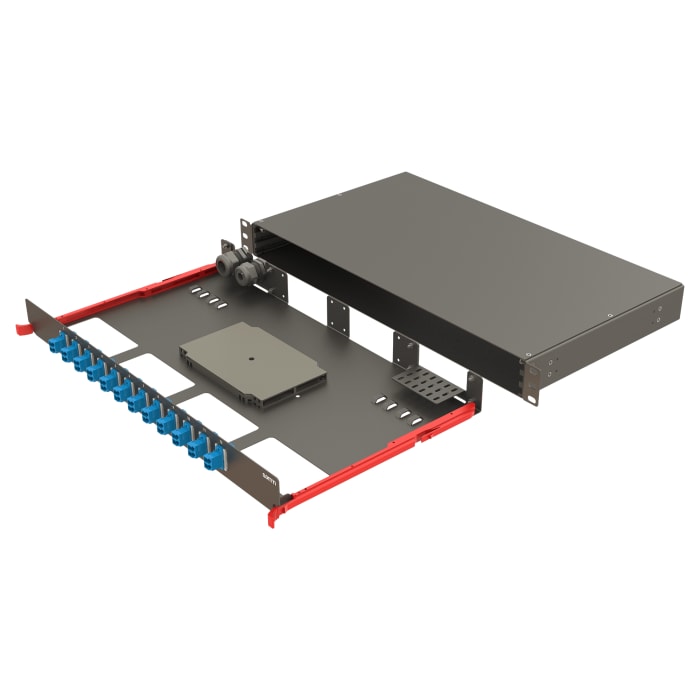
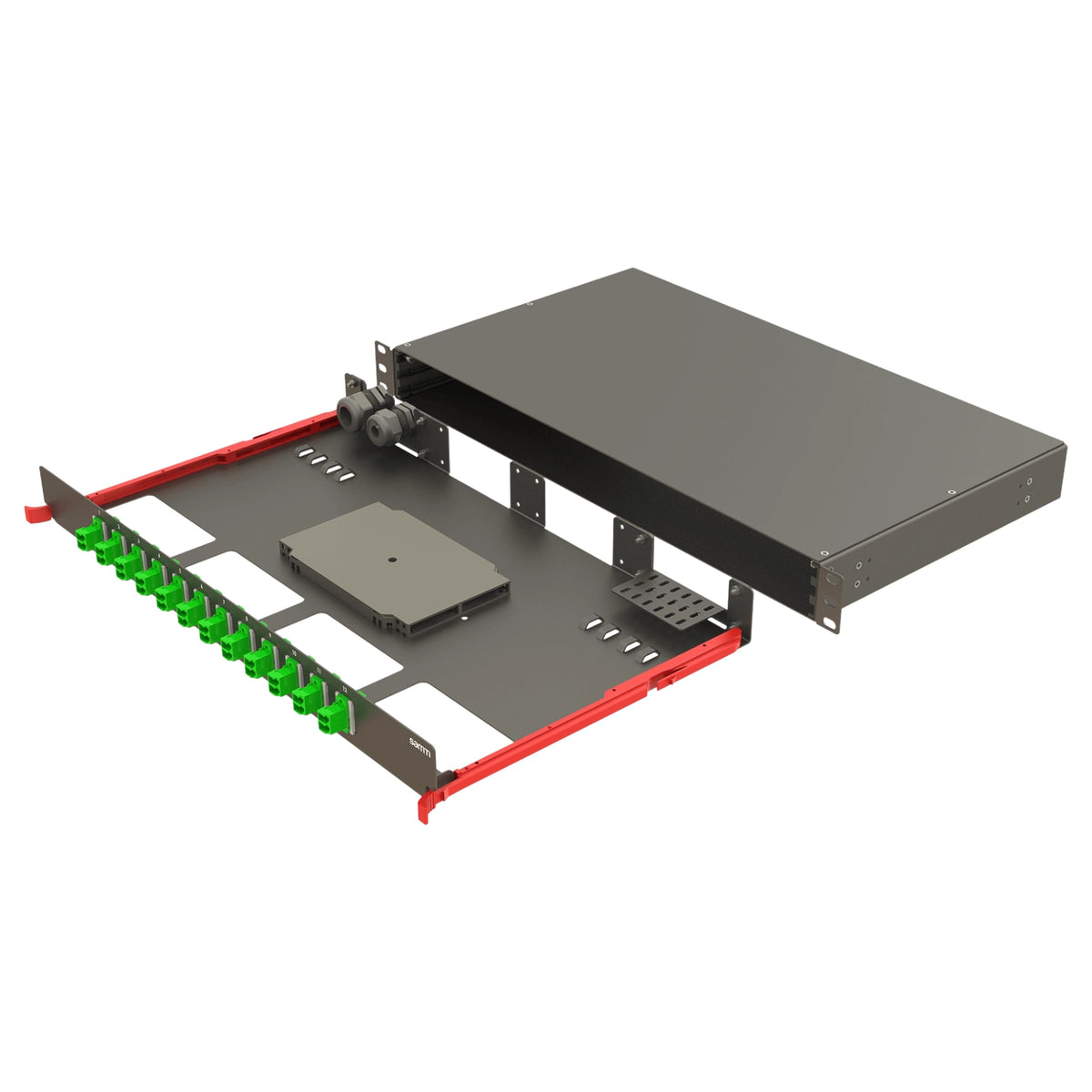
Part number: MT14054
- Design:
- Rail sliding
- Entry-price configuration:
- LC/UPC – A2
- Other configurations:
- LC/APC – A2; LC/UPC – OM2, OM3, OM4
net excl. VAT
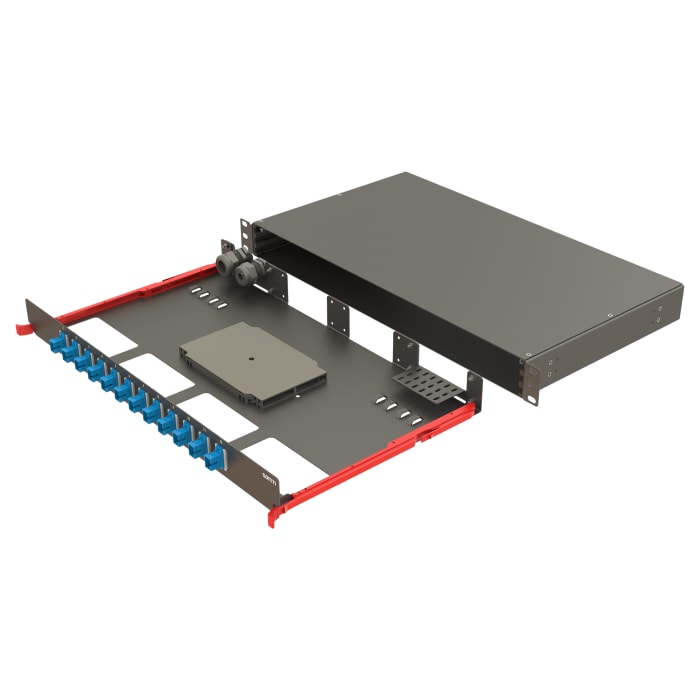
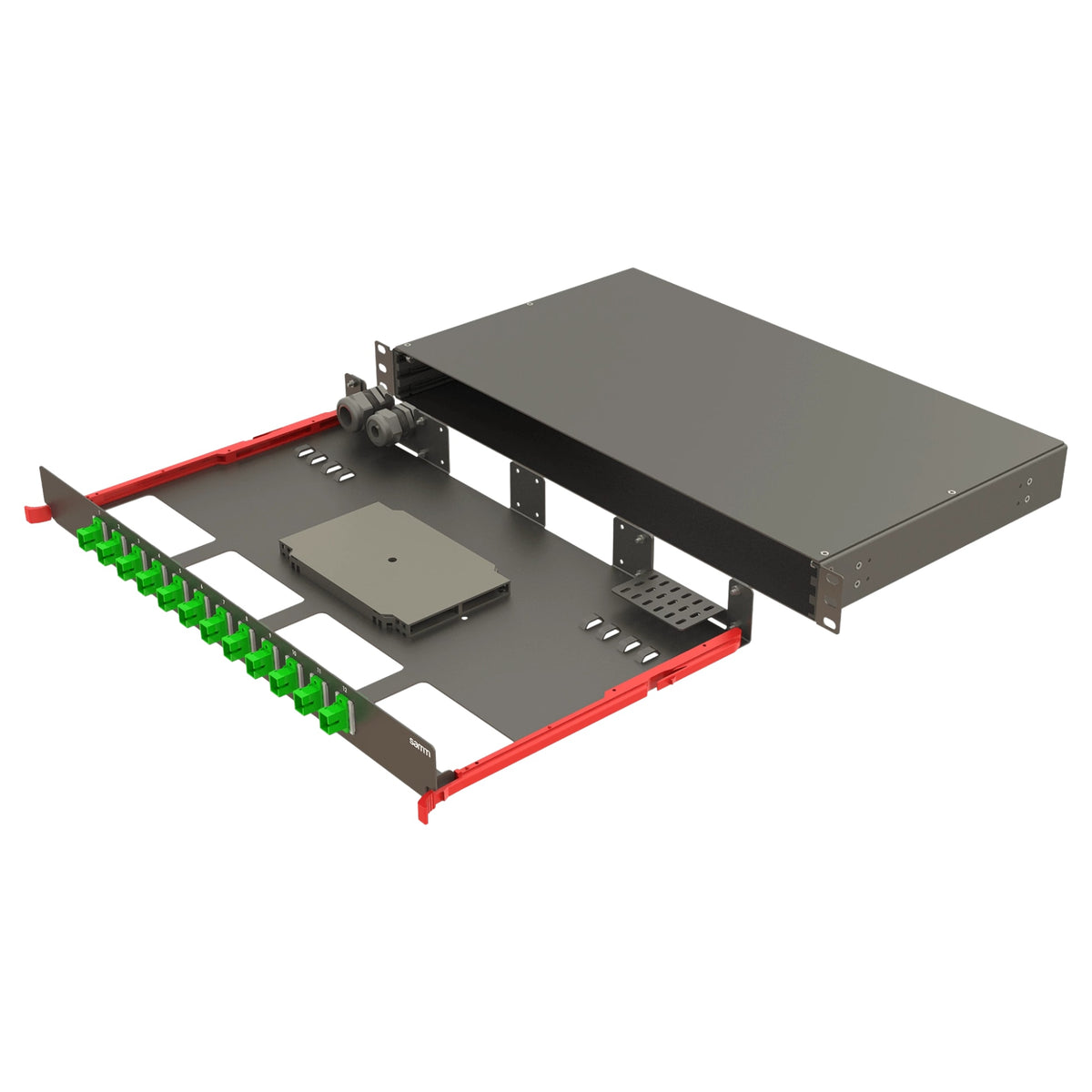
Part number: MT14049
- Design:
- Rail sliding
- Entry-price configuration:
- SC/UPC – A2
- Other configurations:
- SC/APC – A2; SC/UPC – OM2, OM3, OM4
net excl. VAT

Part number: MT14034
net excl. VAT

Part number: MT14112
- Design:
- Rail sliding
- Assembly:
- empty, 3 module slots
- Model:
- BSMOD-1U-RSV0-FP3S-EMPTY
net excl. VAT

Part number: MT14039
net excl. VAT

Part number: MT14012
net excl. VAT

Part number: MT14022
net excl. VAT
Find the right solution for your application
Need help choosing a product or a tailored quotation? We provide personal technical advice.
- Quality
- Speed
- Reliability
- Flexibility

Part number: MT14017
net excl. VAT

Part number: MT14024
net excl. VAT

Part number: MT14029
net excl. VAT

Part number: MT14011
net excl. VAT

Part number: MT14008
net excl. VAT

Part number: MT14010
net excl. VAT
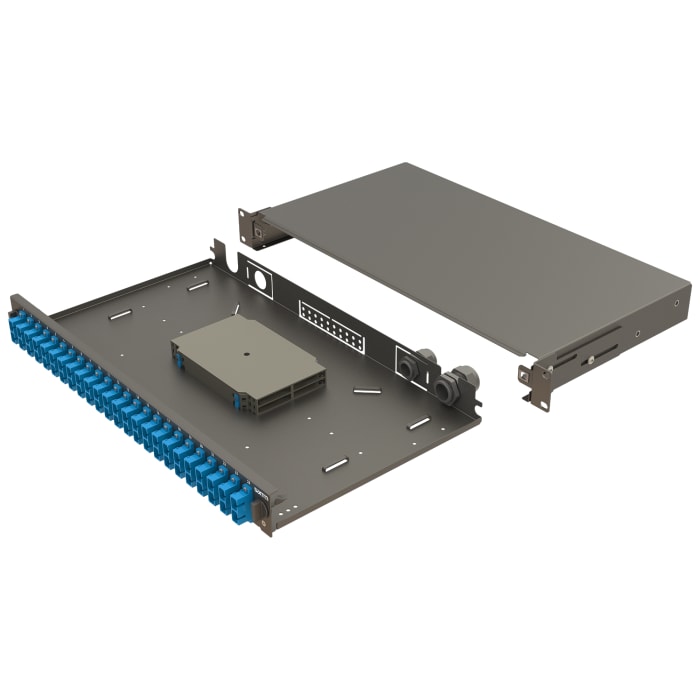
Part number: MT13986
net excl. VAT

Part number: MT14009
net excl. VAT

Part number: MT14007
net excl. VAT

Part number: MT13979
net excl. VAT
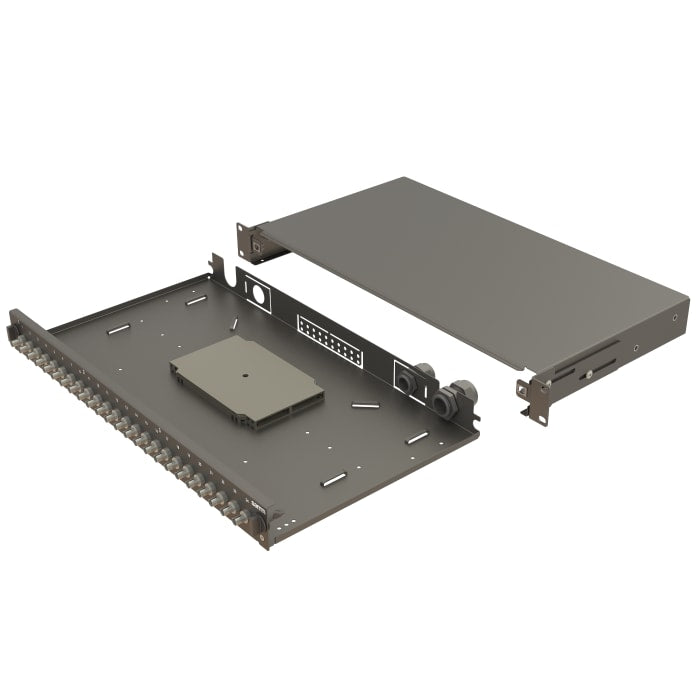
Part number: MT14001
net excl. VAT

Part number: MT13984
net excl. VAT
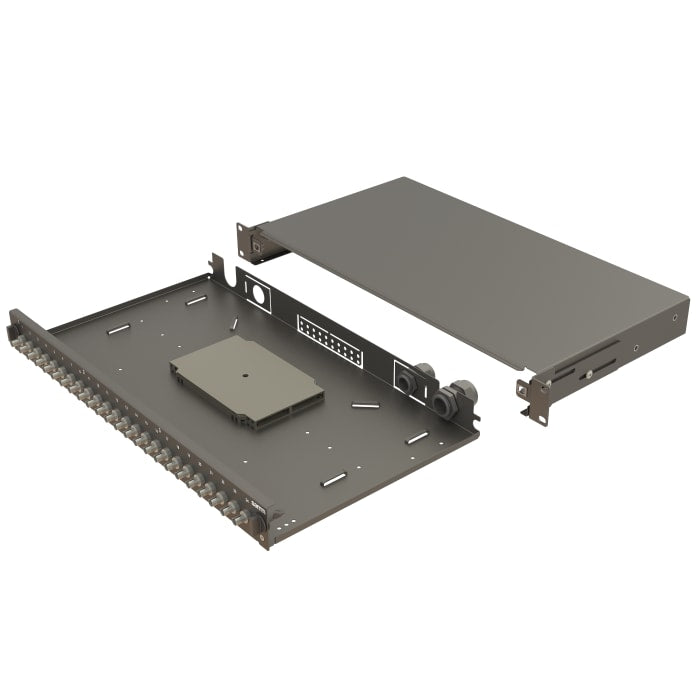
Part number: MT13996
net excl. VAT

Part number: MT13969
net excl. VAT

Part number: MT13964
net excl. VAT

Part number: MT13948
net excl. VAT
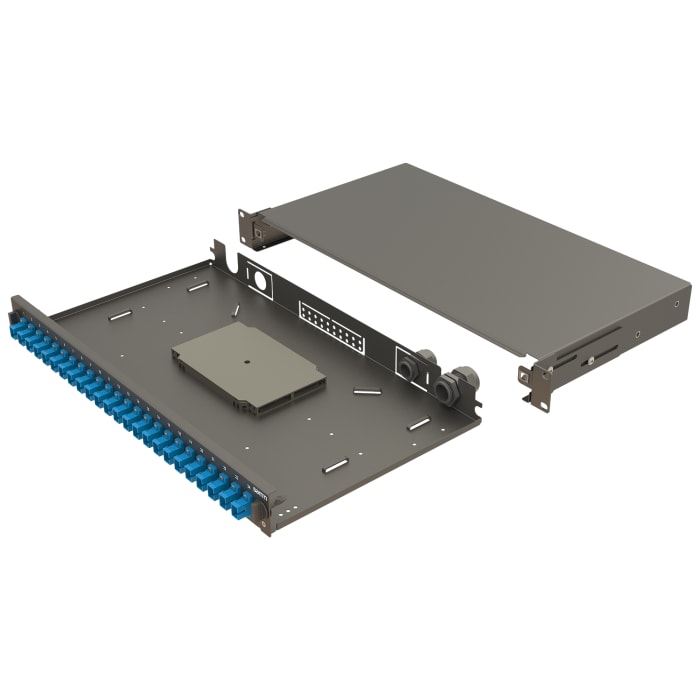
Part number: MT13974
net excl. VAT

Part number: MT13952
net excl. VAT

Part number: MT13951
net excl. VAT

Part number: MT13962
net excl. VAT

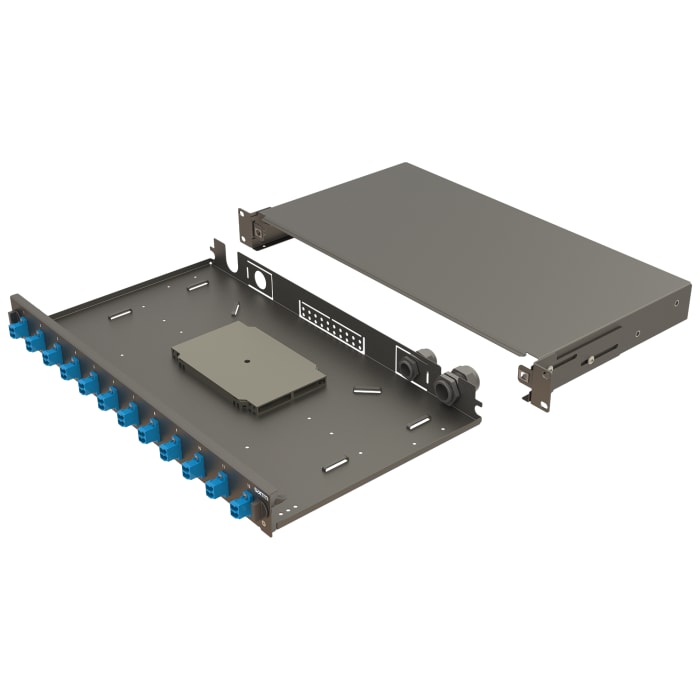
Part number: MT13957
net excl. VAT

Part number: MT13947
net excl. VAT

Part number: MT13949
net excl. VAT

Part number: MT13950
net excl. VAT


Part number: MT13946
net excl. VAT
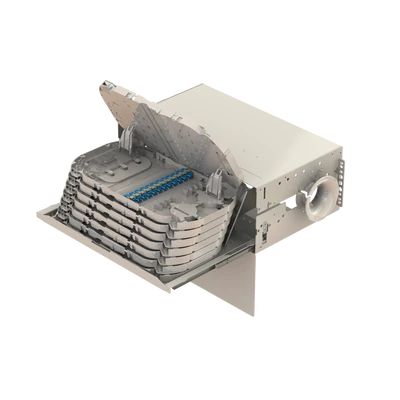
Part number: MT00179
net excl. VAT
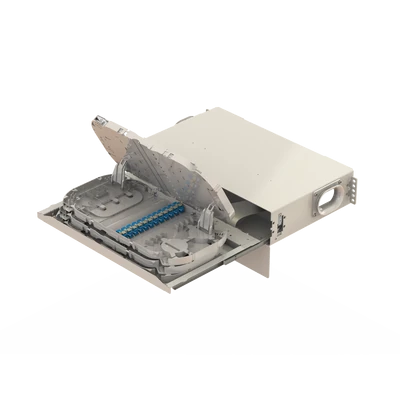
Part number: MT08888
net excl. VAT
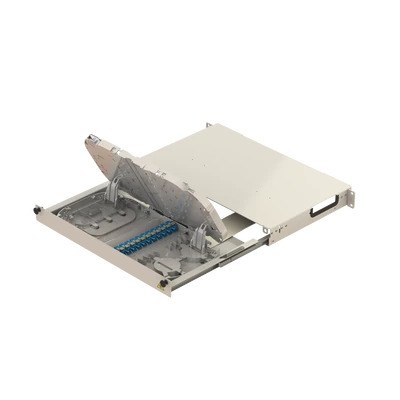
Part number: MT00094
net excl. VAT
Choose a splice box for your installation
What is a fibre optic splice box?
A splice box protects splices and adapters and routes fibre connections to the interfaces of a distribution panel. Design, assembly and capacity vary by product.
Consider fibre and connectors together
Match OS2, OM3 and OM4 to the existing fibre. Check LC, SC and other adapters, and UPC or APC polish against the mating interfaces. The A2 designation of Bright configurations identifies a fibre specification; its suitability for the installation must be checked.
Ports, fibres and assembly
An LC duplex port carries two fibres; an SC simplex port carries one. Check port and fibre counts separately. Empty patch panels require compatible components; splice-ready configurations still require the incoming fibres to be spliced during installation.
Design and installation
Match rail sliding or mechanical sliding designs, installation width and rack units to the cabinet. Check included components, pigtails, adapters and splice management for the selected model.
Related solutions and technical resources
- Fibre optic cables
- Fibre splicers
- Splicing and measurement services (German)
- Custom fibre optic rack assemblies (German)
Frequently asked questions
Which splice box fits OS2, OM3 or OM4?
Fibre, pigtails, patch cords and adapters must match the infrastructure. OS2 is singlemode with 9/125 µm; OM3 and OM4 are multimode with 50/125 µm.
What does splice-ready mean?
Components such as adapters and pigtails are already fitted for the offered configuration. Check included components and fibre count. Incoming fibres still require splicing during installation.
What is the difference between LC and SC?
LC and SC are different connector designs. Mating interfaces, patch cords and required capacity determine the selection. Do not mate UPC and APC directly.
What information is needed for selection advice?
Fibre type, mounting design, connectors, polish, assembly, port and fibre count, and installation conditions. Also check included components.
Is an empty patch panel ready to connect?
No. Compatible modules and connection components must be selected.
Are port count and fibre count the same?
Not always. Duplex and quad adapters carry multiple fibres per port.
Do I need a customer account?
A customer account is not required to place an order. Optional account access remains available.
Discuss your distribution configuration
Specify fibre type, adapter, polish, port and fibre count, assembly configuration and installation conditions.